Frequently asked questions
Is MiniCrafter free?
Yes. MiniCrafter is completely free: no ads, no in-game purchases and no subscriptions. It is open source under the MIT License.
Is MiniCrafter safe for kids?
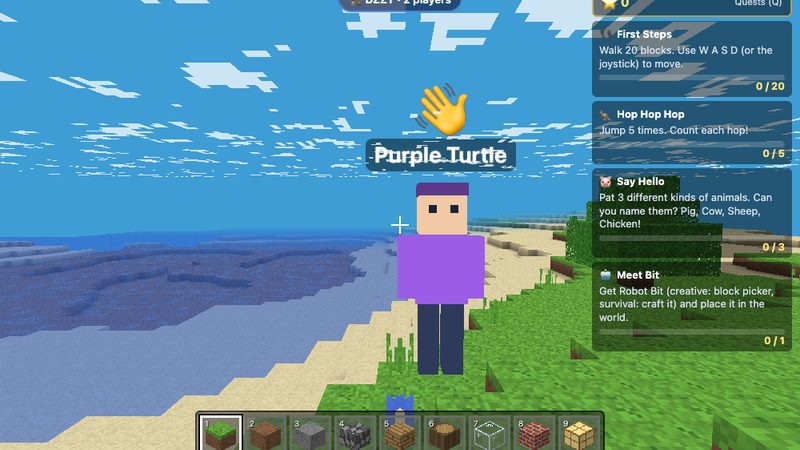
Yes. There is no text chat, no ads and no tracking. In Play Together, players only see picked names like "Blue Fox" and talk with emoji, and the host lets each player in. Accounts need only a made-up username and password, and players under 13 need a grown-up to help.
Do I need to download or install anything?
No. MiniCrafter runs in any modern web browser on computers, Chromebooks, tablets and phones. You can also add it to your home screen like an app, and it keeps working offline.
Does MiniCrafter need an account?
No. You can play without an account. An optional account, with just a made-up username and a password and no email, unlocks Play Together.
Can I play MiniCrafter with friends?
Yes. Play Together lets up to 4 players build in the host's world with a room code. Players need an account, talk with emoji only, and connect through a safe relay rather than directly to each other.
Does MiniCrafter work on iPad, Chromebook and phones?
Yes. It has touch controls with a joystick, works on iPad, Android tablets, phones and school Chromebooks, and adjusts its layout for small screens.
How is MiniCrafter different from Minecraft?
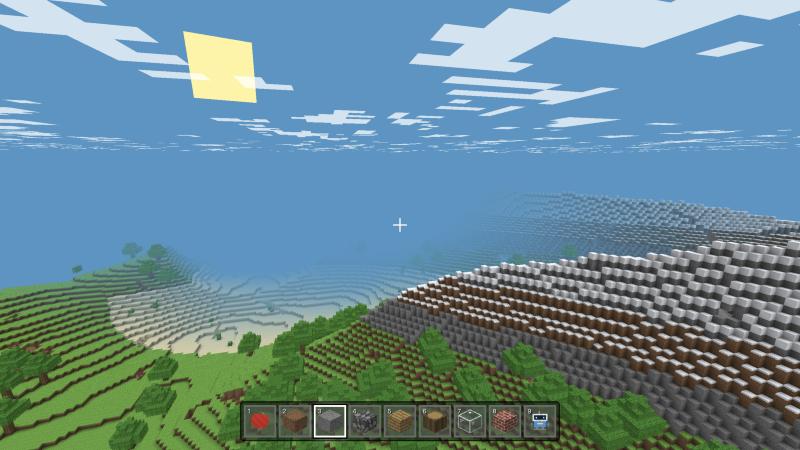
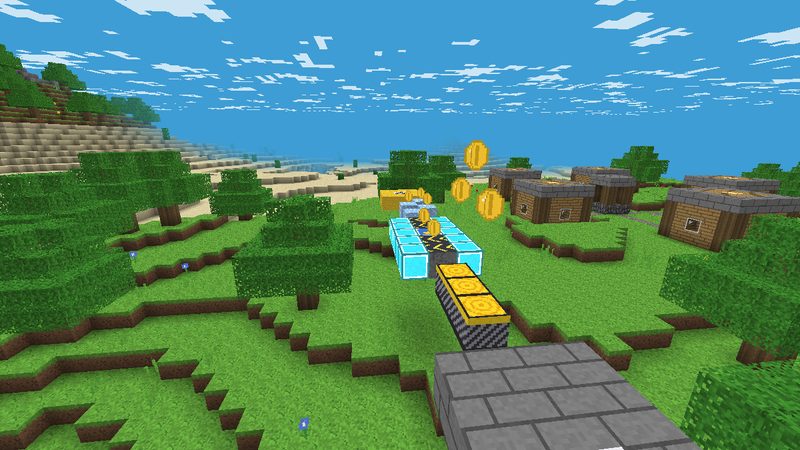
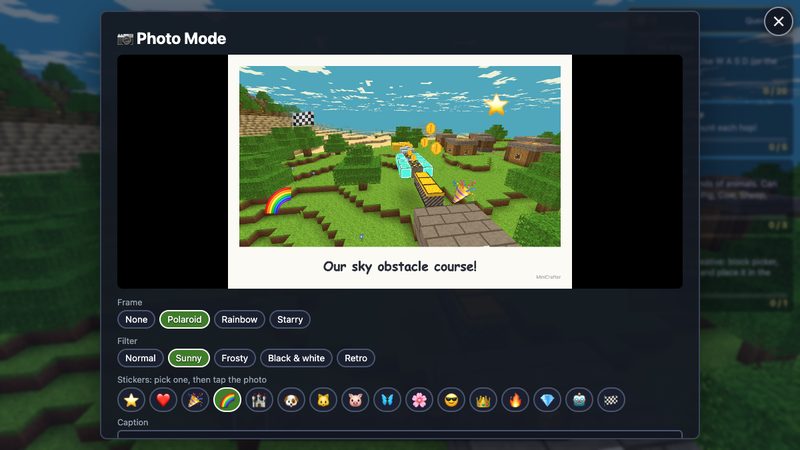
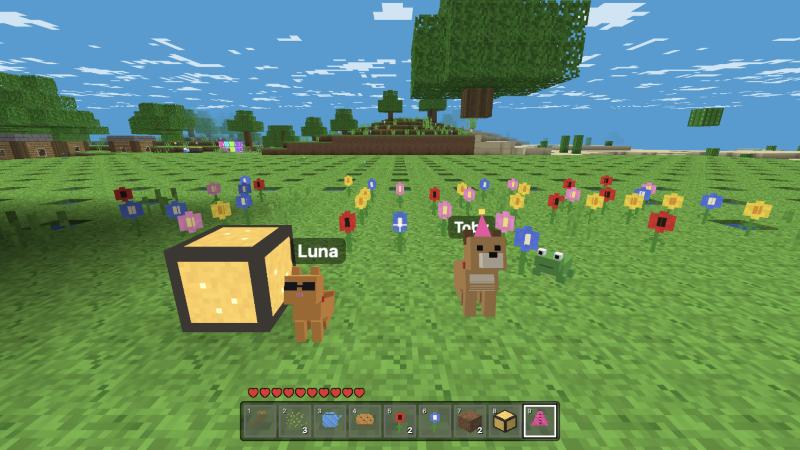
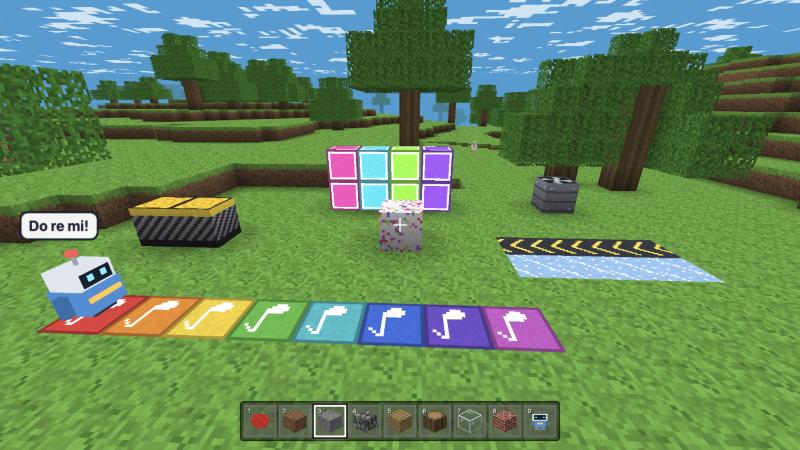
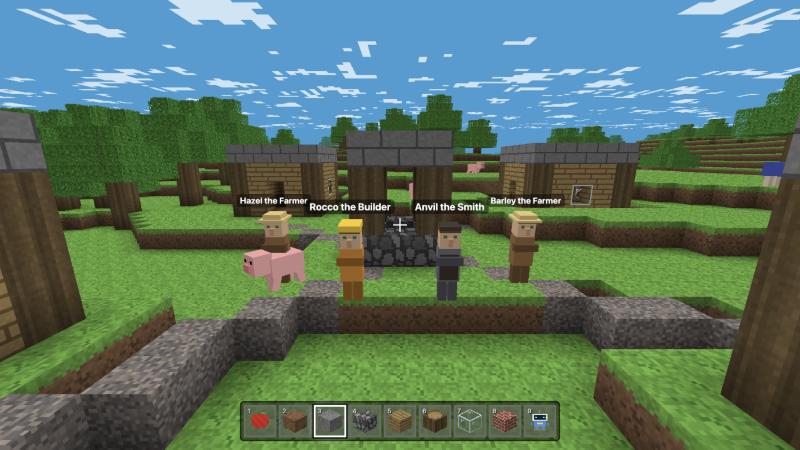
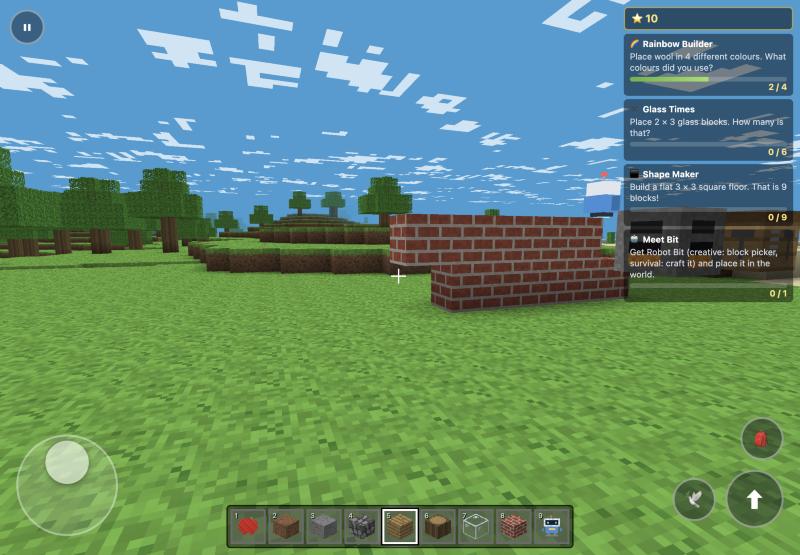
MiniCrafter is free and runs in the browser with no install. It is designed for children first, with no chat with strangers, built-in learning quests, a codable robot called Bit, a Course Maker for building your own obstacle-course games, and a Photo Mode. It is an original game, not affiliated with Minecraft or Mojang.
What age is MiniCrafter for?
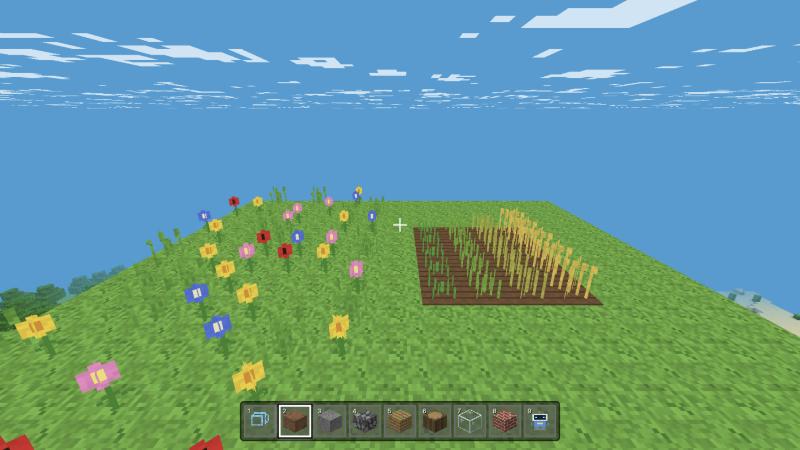
Creative and gentle Survival modes suit children from about 6. Teens and grown-ups can switch on Adventure mode, behind a grown-up check, for monsters, combat, hunger and Hardcore.
Can kids learn to code in MiniCrafter?
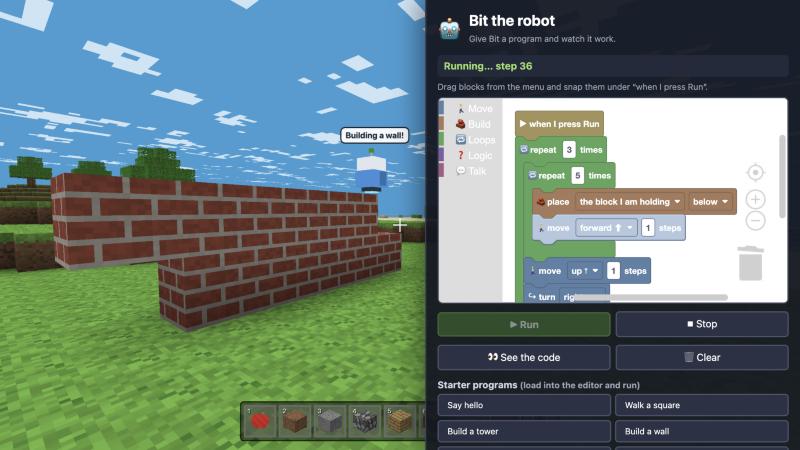
Yes. Kids program Bit the robot with drag-and-drop Blockly blocks (loops, conditions and sensors) to build, dig and flip circuit levers, and can view the matching JavaScript-style code.
Can teachers use MiniCrafter in class?
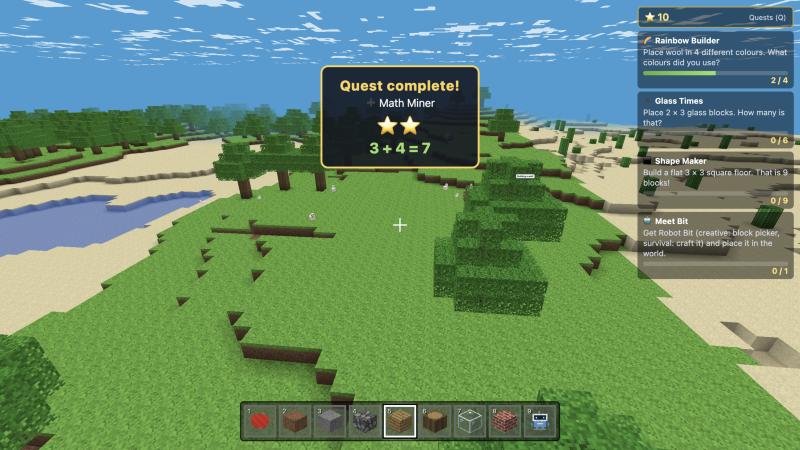
Yes. It needs no installs or student accounts, works offline on school Chromebooks, and its quests practise counting, times tables, colours, shapes and coding.